How does QR ordering work in restaurants?
Guests scan a table QR code, open the menu on their phone, and place orders directly without waiting for printed menus.
A QR-based dine-in ordering system for Indian restaurants. Customers scan a table QR code, order from their phone, and track food in real time.
"Scan the code. Place your order. Pay instantly. No waiting, no friction, just pure service."
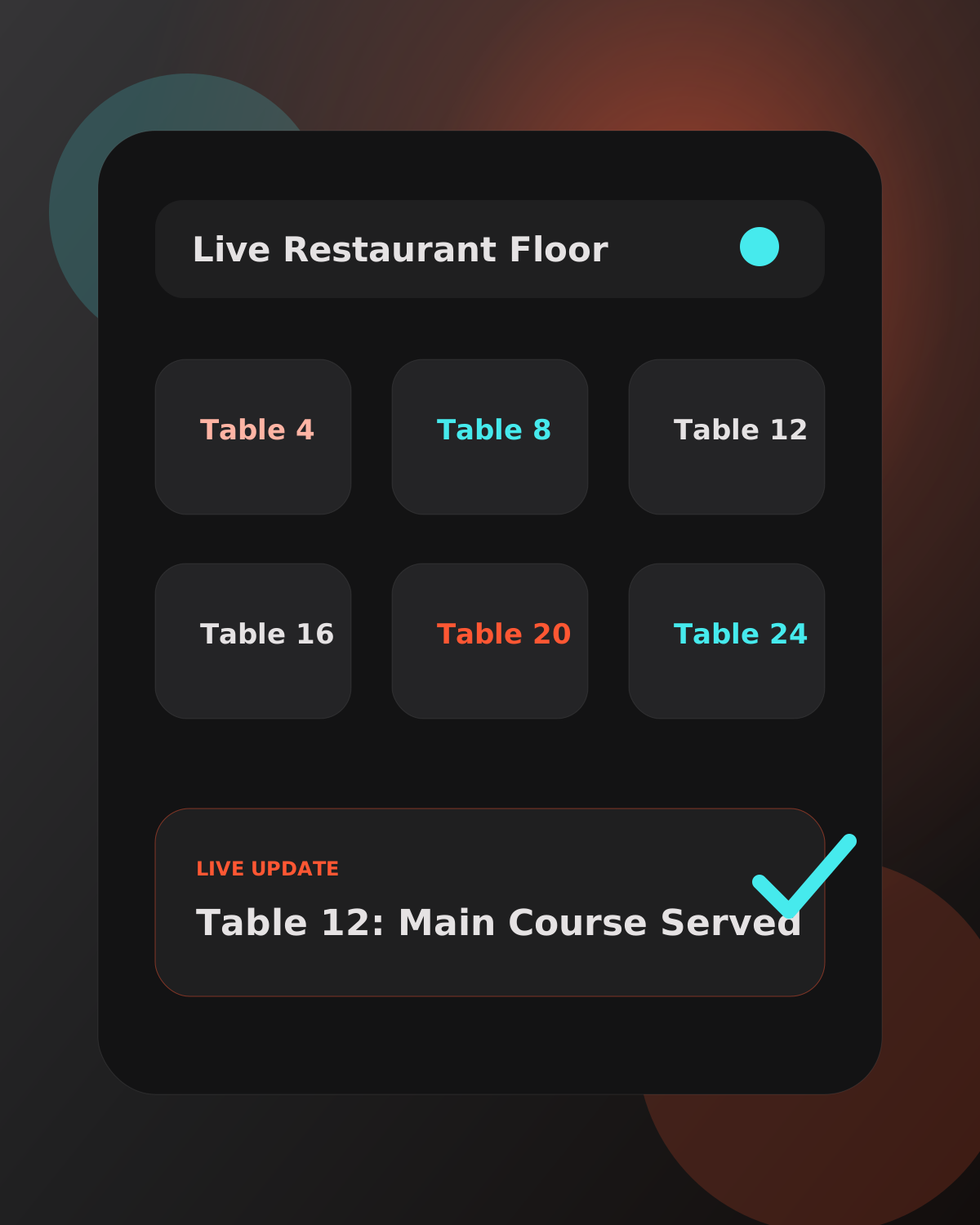
A walkthrough of the complete TableTap flow.
Instant notifications bridge the gap between diners and staff. No more waving arms or missed requests.
Custom interfaces designed for the specific pressures of each station.
Smart alerts and table priority actions at your fingertips.
Live KDS with intelligent ordering and fire-times.
Real-time floor plans and labor cost analytics.
Multi-unit control and revenue tracking from anywhere.
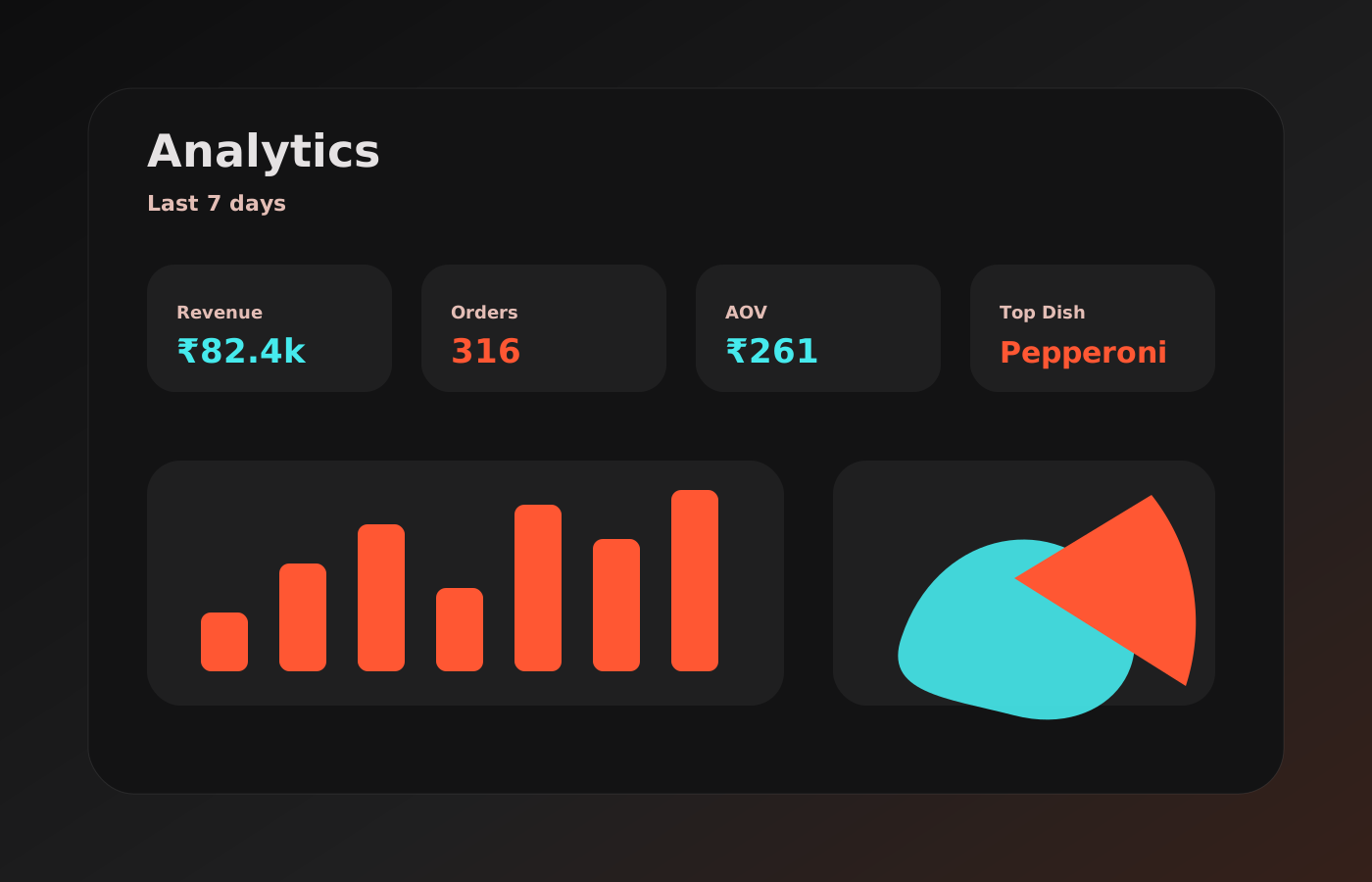
Manage menus across multiple locations, update pricing in seconds, and deep-dive into performance analytics that actually make sense.
Start your 30-day free trial
Guests scan a table QR code, open the menu on their phone, and place orders directly without waiting for printed menus.
No app download is required. Customers can order directly in their mobile browser.
Yes. You can keep your current billing method. TableTap handles ordering smoothly, and your team can continue billing the way they already do.
Most restaurants can be set up and ready on the same day, usually within a few hours.
No special hardware or external setup is required. TableTap works with the devices you already use, so you can start without buying custom machines or installing any extra hardware.
Customers place orders and requests directly from their phones, so waiters spend less time taking orders manually. Service becomes faster, and tables free up sooner.
The system confirms payment properly before finalizing orders and avoids creating the same order twice if a customer taps again by mistake.
Yes, this can be arranged. If you have multiple branches, we can set up your account so you can manage them in one place.